Admin Intermediate > Build a Space Station App > Create the Space Station App
Back to the Drawing Board
- build a new and improved Space Station
- On time
- on budget
- no exposed exhaust ports
Introduction
build an app from start to finish with no code
Here’s what you’ll be doing:
- Create the app and a data model for the application. This simple application requires only a few custom objects with a small number of fields.
- Modify the user interface on the browser and on the Salesforce mobile app using page layouts, compact layouts, and global actions.
- Implement business logic using formulas, validation rules, and a flow.
- Build reports and dashboards to track the status of supplies and analyze how well the company manages resources.
Create the Space Station Object
Playground
- Create a new Playground, Space Station
Object
- Setup > Object Manager > Create > Custom Object
- Label: Space Station
- Plural Label: Space Stations
- Record Name: Space Station Name
- ✅ Allow Reports
- ✅ Allow Search
- Save
Tab
상단메뉴 추가
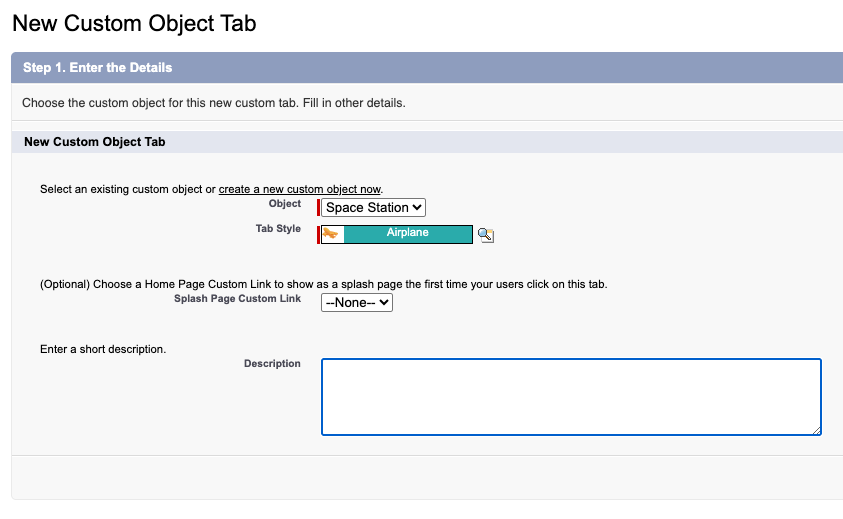
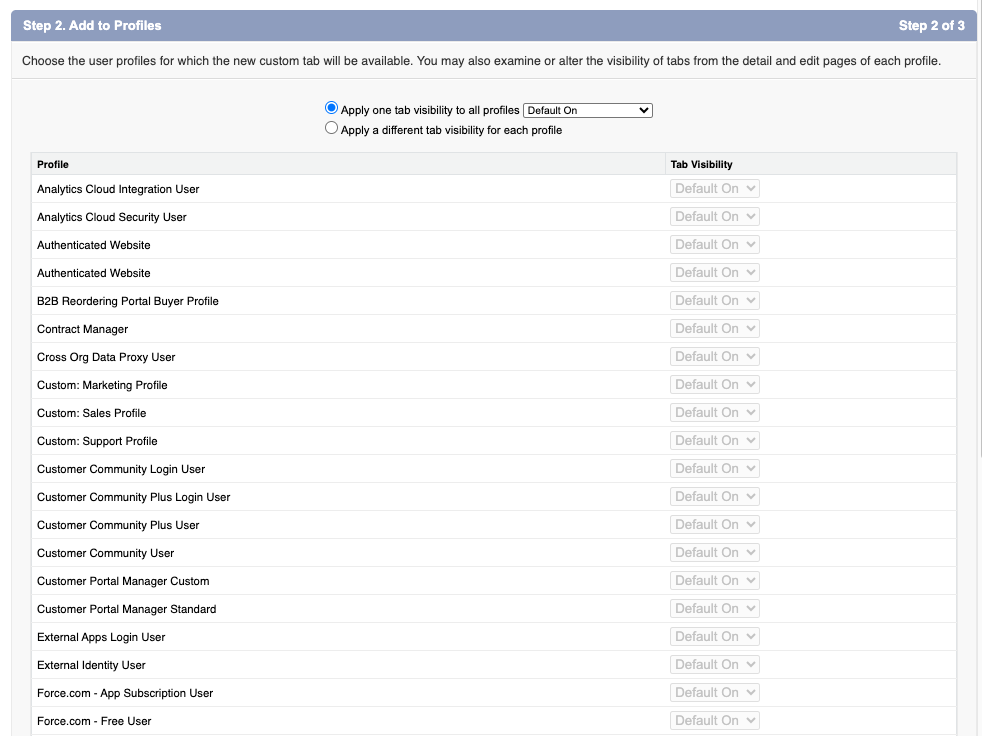
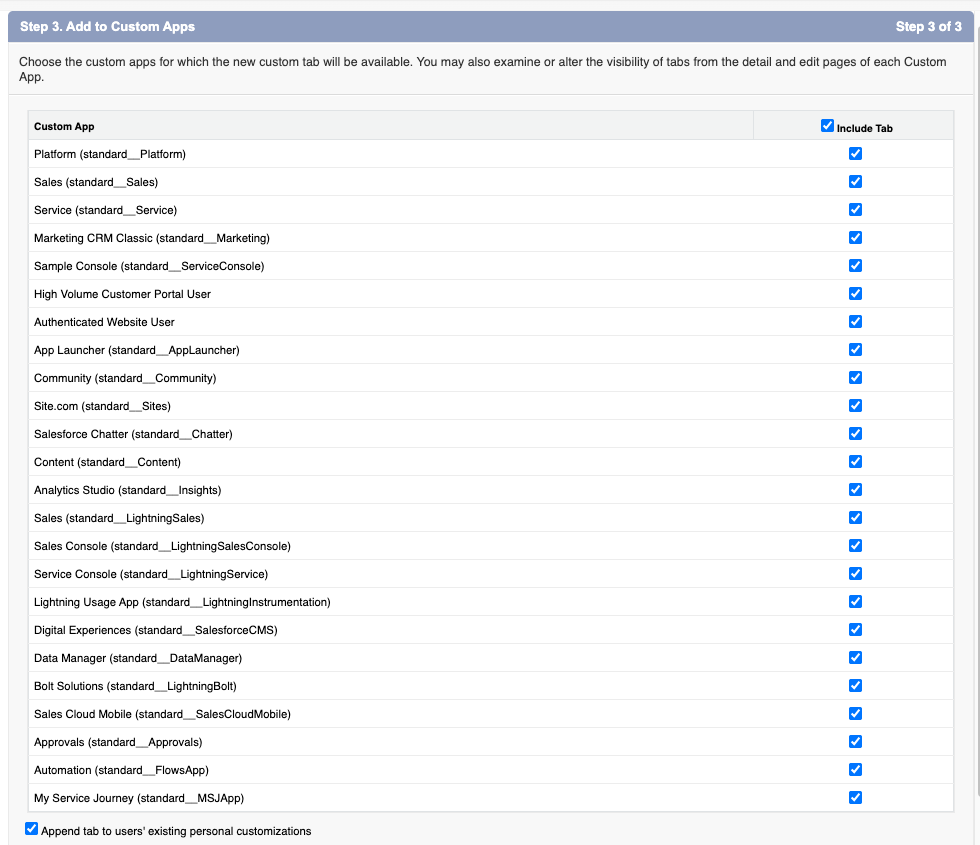
- Setup > Quick Find > Tabs > Custom Object Tabs > New
- Object: Space Station
- Tab Style: Airplane
- Next, Next, Save
Feed Tracking
레코드가 변경할때마다 Feed(Chatter)에 Posting이 되어서 SNS처럼 해당 변경사항에 대해 댓글을 달수도 있음. History Tracking은 감사나 이력관리를 위한 거라면 Feed Tracking은 소통하고 실시간으로 변화하는 걸 공유하게 하는 기능. 레코드는 프로젝트 단위라서 모든 액션이 전부 기록되는 것은 아님
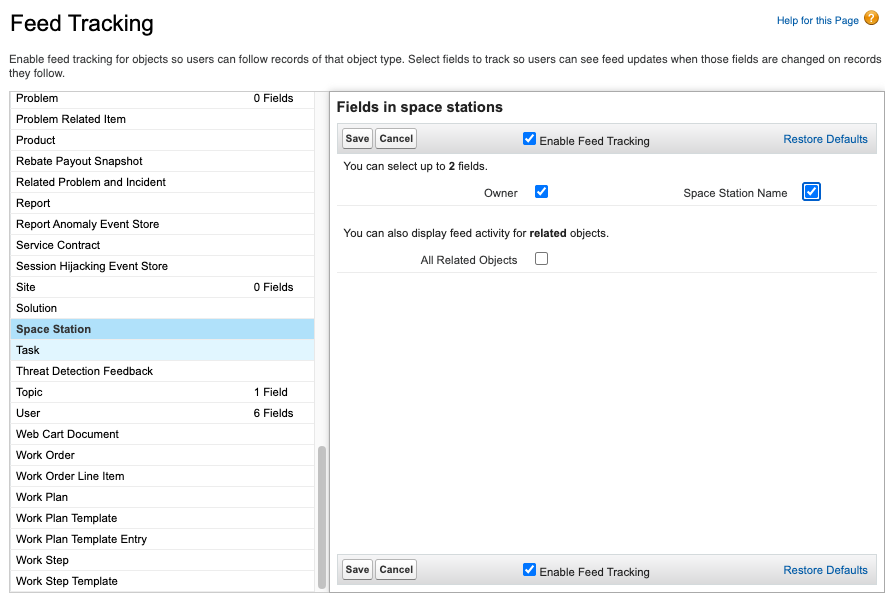
- Setup > Quick Find > Feed Tracking > Space Station
- ✅ Enable Feed Tracking
- ✅ Space Station Name
- 프로젝트가 새로 생성되었는지
- 프로젝트 이름이 바뀌었는지
- ✅ Owner
- 프로젝트 담당자가 지정되었는지
- 프로젝트 담당자가 바뀌었는지
- ✅ Space Station Name
- Save
Create the Space Station Construction app
Lightning Experience & External Client App & Salesforce Classic
Lightning App은 Salesforce 내부에서 쓰는 앱이고 Lightning Experience (웹)과 Salesforce 모바일 앱에 사용됨. 사용자가 Salesforce 안에서 업무를 쉽게 수행하도록 화면/탭/컴포넌트를 묶은것. 쉽게 말하면 “Salesforce 내부용 패키지” 같은 느낌.
포함 요소:
- 탭(Tab)
- 레코드 페이지(Record Page)
- 레이아웃(Layout)
- Lightning Component, Flow 등
예시:
- Sales 앱 (Account, Opportunity, Contact 탭 포함)
- Service 앱 (Case, Knowledge, Service Console 등)
External Client App은 외부에서 Salesforce API를 쓰는 앱. 웹 서비스, 모바일 앱, 사내 시스템 등에서 사용됨. 목적은 Salesforce 데이터를 외부 시스템과 통합. 외부 앱에서 레코드 조회/생성/업데이트 가능하게 함.
포함요소:
- OAuth 인증/Named Credential
- REST API / SOAP API / GraphQL
- External Services
예시:
- 회사 내부 ERP에서 Salesforce 계정 데이터 조회
- 외부 모바일 앱에서 고객 정보 가져오기
Salesforce Classic은 Lightning Experience이전에 사용되던 UI.
- 구버전 웹 UI, 2000년대 스타일 느낌
- Lightning Component 사용 불가
- 일부 최신 기능(Lightning App, Path, Kanban 등) 지원 안 함
Lightning App 만들기
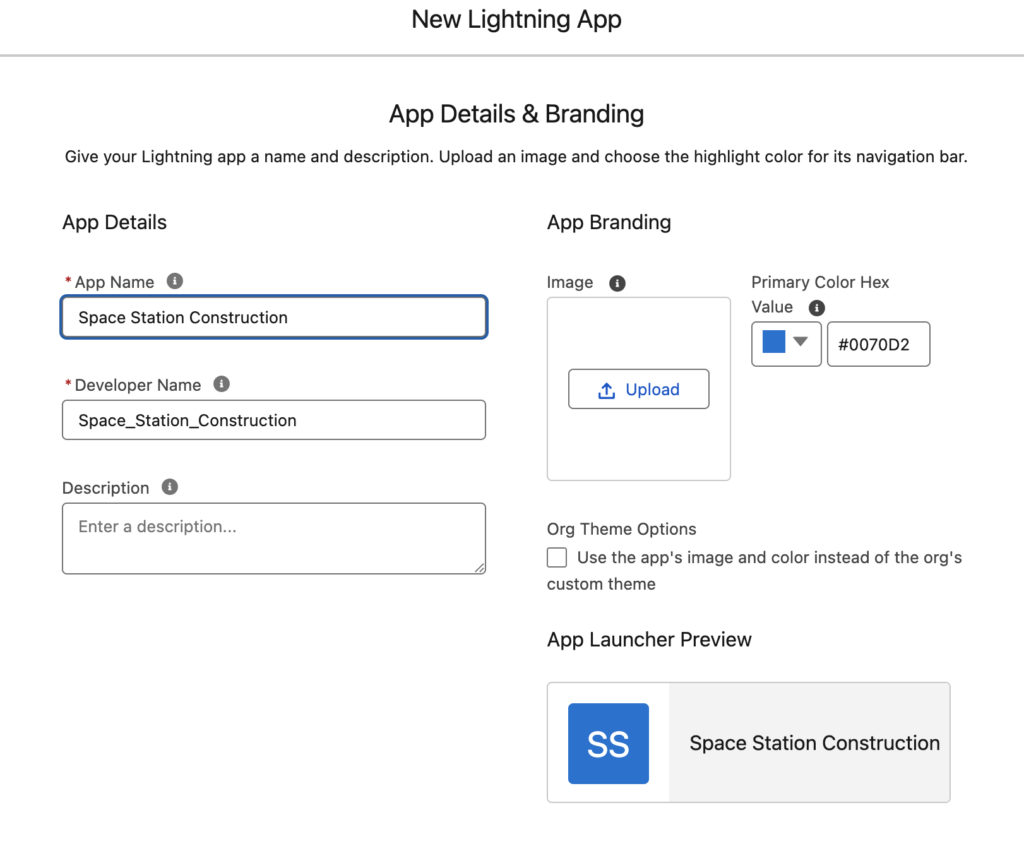
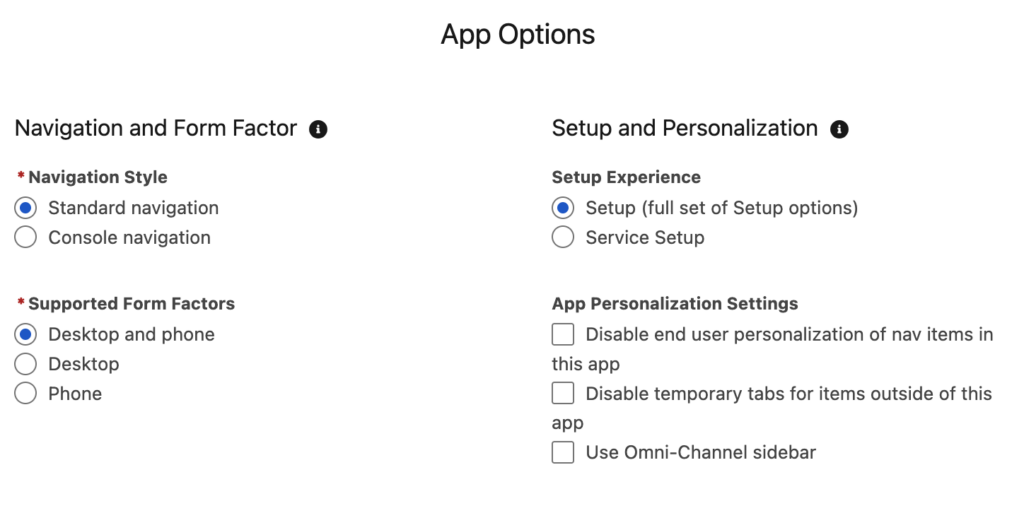
- Setup > Quick Find > App Manager > New Lightning App
- App Name: Space Station Construction
- Developer Name: Space_Station_Construction
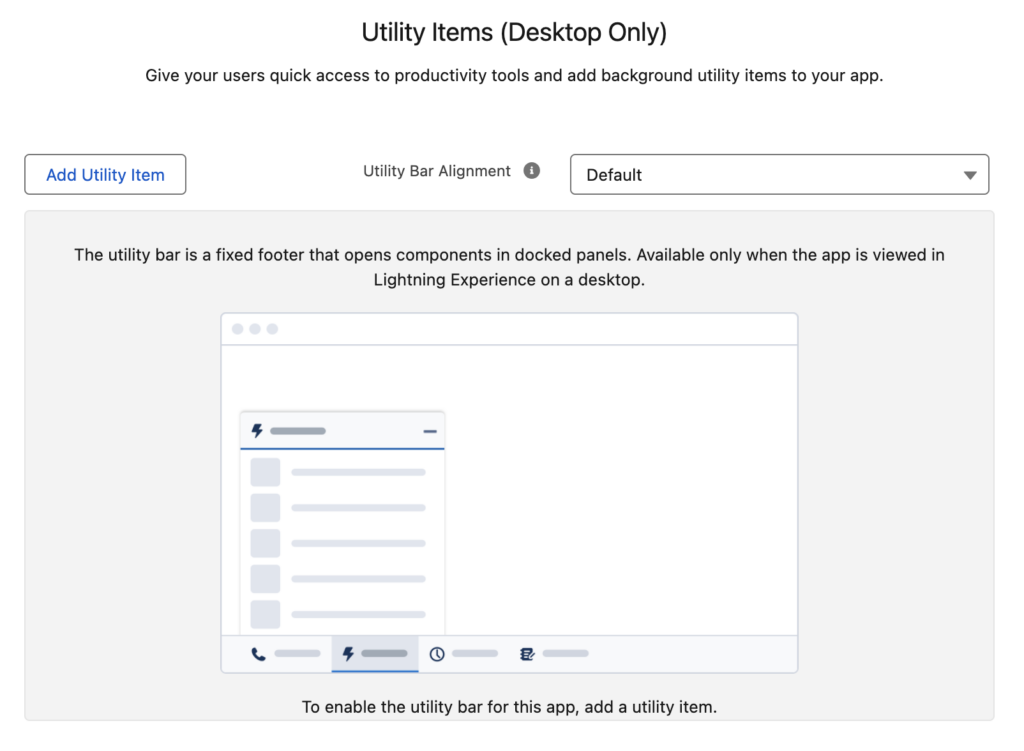
- Next, Next, Next
- Selected Items
- Space Stations
- Reports
- Dashboards
- Next
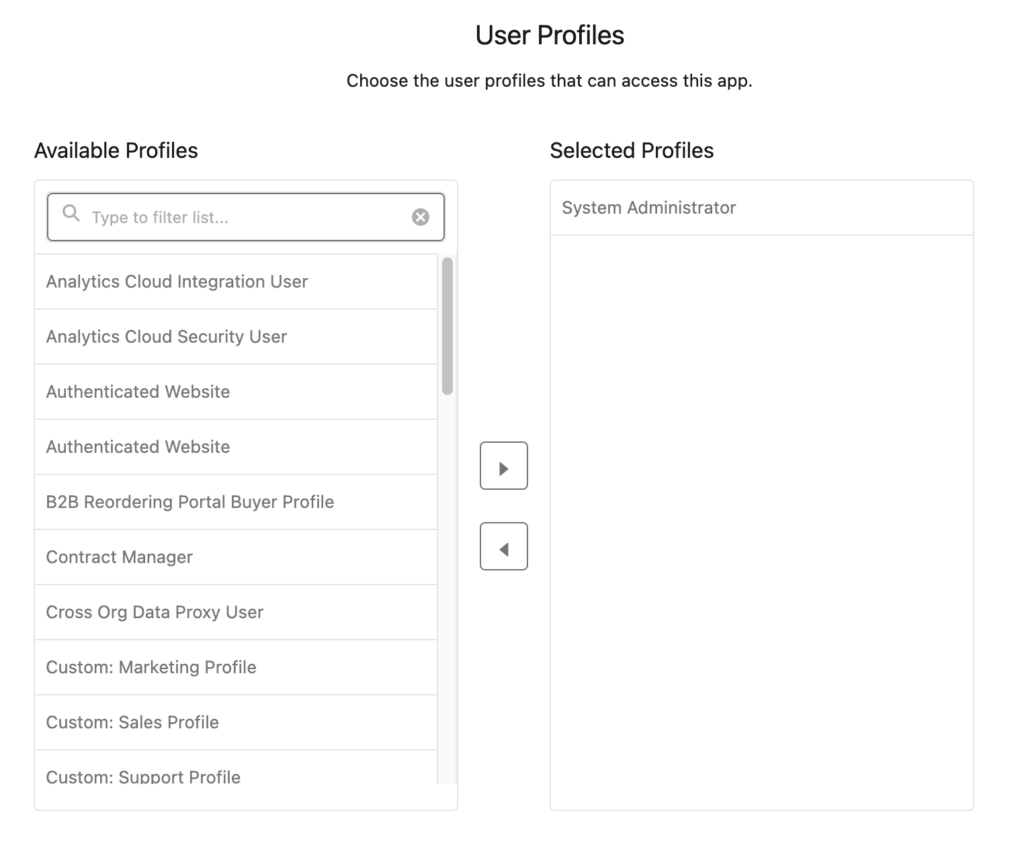
- Selected Profiles
- System Administrator
- Save & Finish
- Setup > App Launcher > Space Station Construction
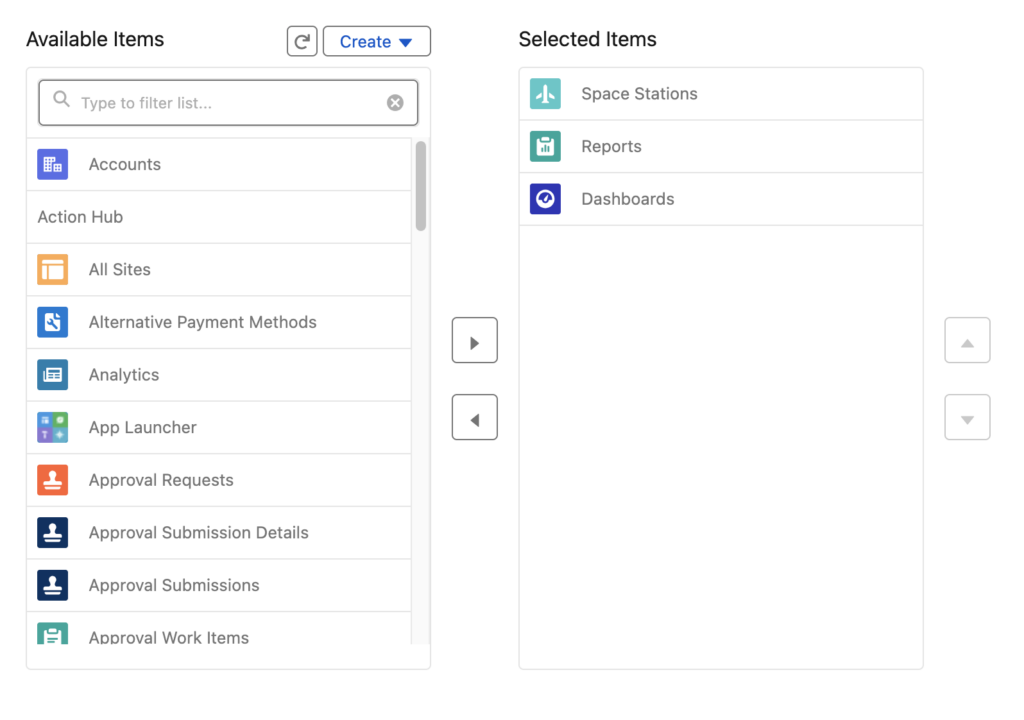
Item을 선택하면 상단메뉴에 탭으로 들어감
vocabulary
- less than ideal: 이상적이지 않다. 상황이 그리 좋지 않다.
- has gone awry: 일이 잘못됐다
- maiden voyage: 첫 항해
- maiden: A girl or young woman, especially an unmarried one.
- voyage: A long journey involving travel by sea or in space.
- exhaust port: 배기구, 환기구
- irreparable: impossible to rectify or repair.
- real blow to team morale: 팀 사기에 심각한 타격
- ample defenses: 충분한 방어
- ample time 충분히 많은 시간
- ample space 충분히 넓은 공간
- ne’er-do-wells: 게으름뱅이들
- point-and-click: denoting an interface in which the user points with a cursor and clicks on a mouse (or other input device) in order to initiate a function.
사용자가 커서로 가리키고 마우스(또는 다른 입력 장치)를 클릭하여 기능을 시작하는 인터페이스를 나타냅니다.