Admin Intermediate > Salesforce Mobile App Rollout > Plan Your Rollout
Rollout process
when it comes to the Salesforce app, you’re responsible for making your company’s mobile dreams come true.
Rollout team
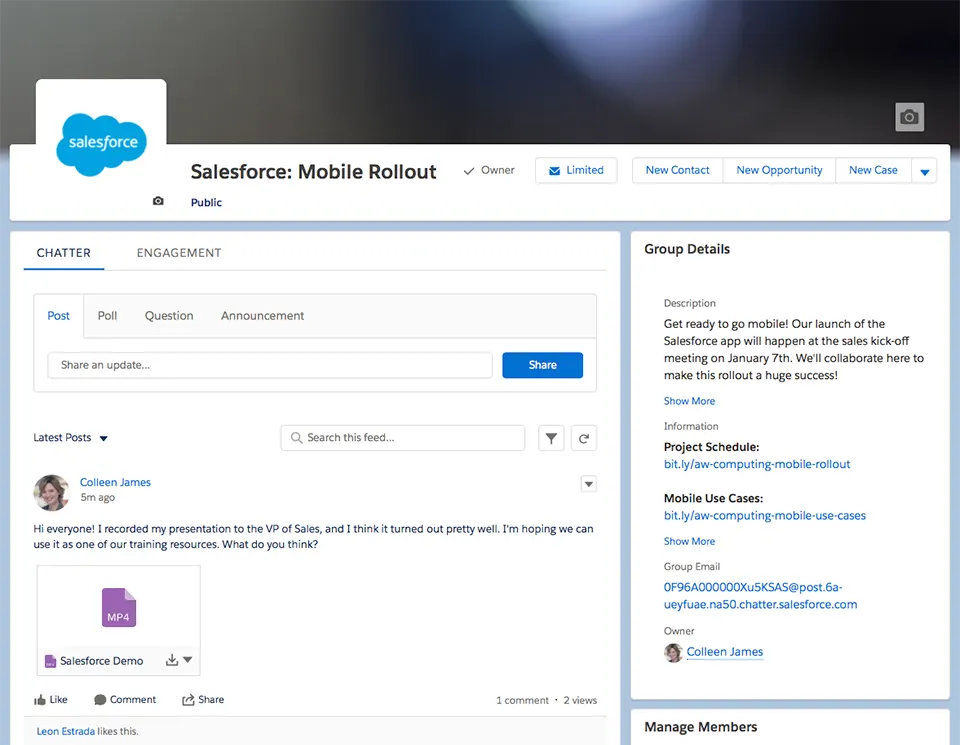
Create a Chatter group, share with your team members is a project schedule
Pick a Launch Date
| Could be good timing | Not so much |
|---|---|
| Sales kickoff or contest | Holidays |
| Company meeting, Large company Event | End of quarter/fiscal year |
| Low season (if applicable) | When stakeholders are on vacation |
If your rollout looks especially complex, you may need to advise your company to put other projects on hold until this project is complete.
Rolling out Schedule
- Start by listing everything you need to do before going live
- estimate the time and resources needed
- develop a timeline for completing the tasks
- manage all the milestones and tasks associated with the project
Define Measures for Success
how you’ll know if your project was successful
- 20% reduction in opportunities with no follow-up tasks
- 15% increase in calls logged
- 5% increase in lead conversion rate
- employee or customer sentiment, using a survey app
- user adoption – logins and usage data
Develop Mobile Device and Security Policies
Check company’s mobile security and compliance policies.
Devices
Their devices vs Company-issued devices
- If you allow employees to use their own devices, you should develop a Bring Your Own Device (BYOD) policy that outlines your company’s rules and responsibilities regarding those devices.
- Ensure all devices meet the minimum platform requirements
Security
The Salesforce app provides enterprise-grade security right out of the box.
You can control policies by Connected App Policies:
- session timeouts
- PIN code enforcement
- offline data storage
- IP allowlists
Sensitive information is always stored in an encrypted database that is also encrypted by the mobile operating system.
Mobile Device Management (MDM) = Mobile Enterprise Management (MEM):
- manage BYOD policies
- provision devices with pre-installed apps
- push enterprise identity certificates
- install VPN profiles
- monitor traffic
- direct access to an enterprise app store
- it can push the Salesforce app to your users or automatically set their custom login hosts for convenience
- if you’re in a highly regulated industry, you might need to completely lock down corporate devices to ensure legal compliance
- Only you can decide whether your company should use the Salesforce app on its own or along with MDM.
Single Sign-On
If your employees using single sign-on, make some changes for the mobile app. Test the Salesforce app with your SSO solution before you go live.
Quiz +100
- A good time for your rollout could be:
- A. Over the holidays.
- B. At the end of the quarter.
- C. When there’s already a large company event planned, like your sales kickoff.
- D. When stakeholders are on vacation.
- What are some common metrics used to measure the success of a mobile rollout?
- A. Employee satisfaction
- B. There aren’t any good metrics for measuring the success of a rollout.
- C. Adoption data, like logins and usage
- D. A and B
- E. A and C
- What security-related steps should you take before rolling out the Salesforce app?
- A. Develop rules and guidelines about employees using personal devices to access Salesforce data.
- B. Test the Salesforce app with your single sign-on solution, if applicable.
- C. Create an encryption system for the mobile app.
- D. A and B
- E. B and C
References
Vocabulary
- roadblocks: 장애물
- coincide: 같은날 동시에
- aligning your launch to coincide with your company’s sales kickoff meeting
- contest: 경쟁
- milestones: 주요 사건들
- sentiment: 감정
- conduct: 지휘하다
- compliance policies: 준수 정책
- right out of the box: 상자에서 꺼내자마자
- highly regulated industry: 고도로 규제된 산업
- legal compliance: 법률 준수