Study for the Administrator Certification Exam > Cert Prep: Administrator: Applications and Activities > Practice Data and Analytics Management
Learning Objectives
After completing this unit, you will be able to:
- Describe the consideration when importing, updating, transferring, mass deleting, exporting and backing up data.
- Describe the capabilities and implication(함축) of data validation tools.
- Describe the options available when creating or customizing a report or report type.
- Describe the impact of sharing model on reports.
- Demonstrate the options available when creating and modifying dashboards.
Key Topic Areas
This unit prepares you for the analytics section of the Salesforce platform administrator exam, which makes up 14% of the overall exam. This section of the exam tests these topics.
- Data types
- Validation rule
- Data Import Wizard
- Data Loader
- Recycle Bin
- Merge function
- Mass Transfer
- Mass Delete
- Duplicate Matching
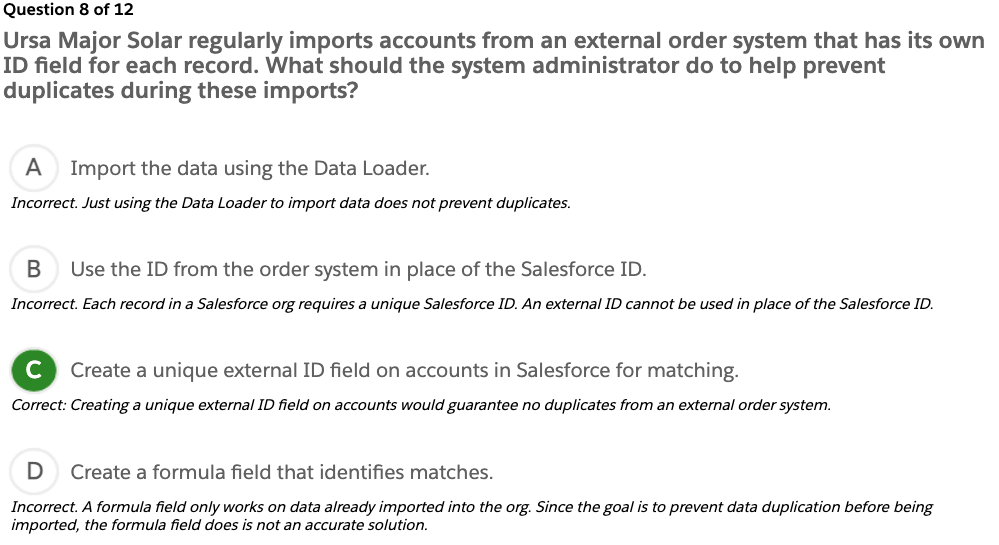
- External ID
- Data Export
- Report creation
- Custom reports
- Editing and customizing reports
- Dashboard components
- Data sharing
- Report and dashboard filters
This unit provides a number of interactive, real-world, scenario-based questions that are a lot like the ones you’ll encounter as a Salesforce platform administrator. Looking at these scenarios helps prepare you to take the data and analytics section of the Salesforce platform administrator exam. As you tackle the practice questions, you get immediate feedback on your answers, along with detailed information on why your answers are correct (or incorrect).
You can also find interactive flashcards to help you prepare for the data and analytics section of the exam.
Note
For more information on the Salesforce Platform Administrator Certification exam prep, logistics and policies, and maintenance, see the Get Started with Platform Administrator Certification Prep unit in the Platform Administrator Certification Prep: Configuration, Setup and Objects module.
Exam Practice Questions
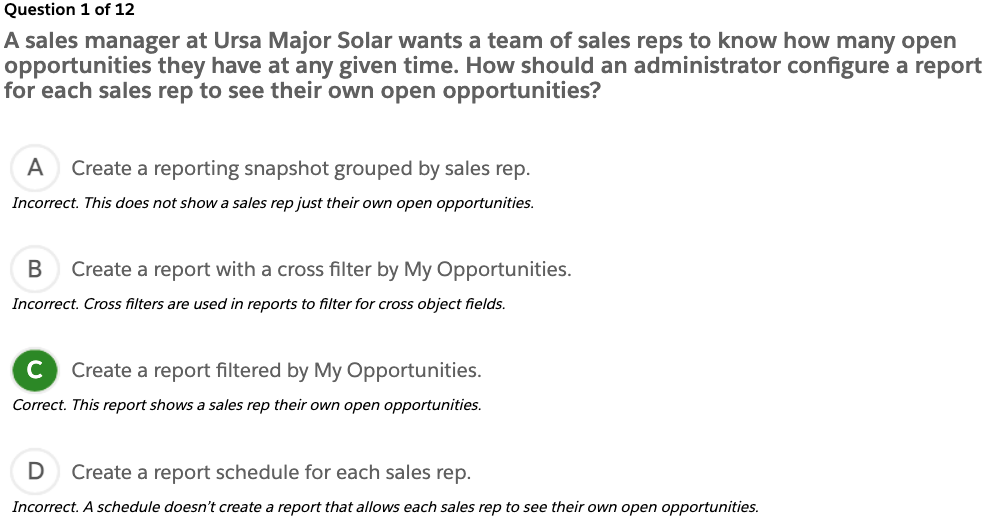
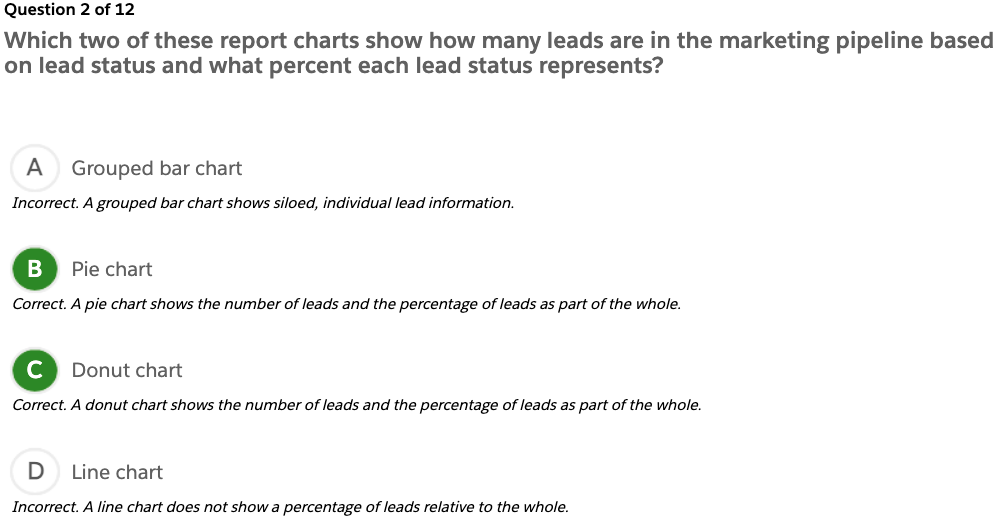
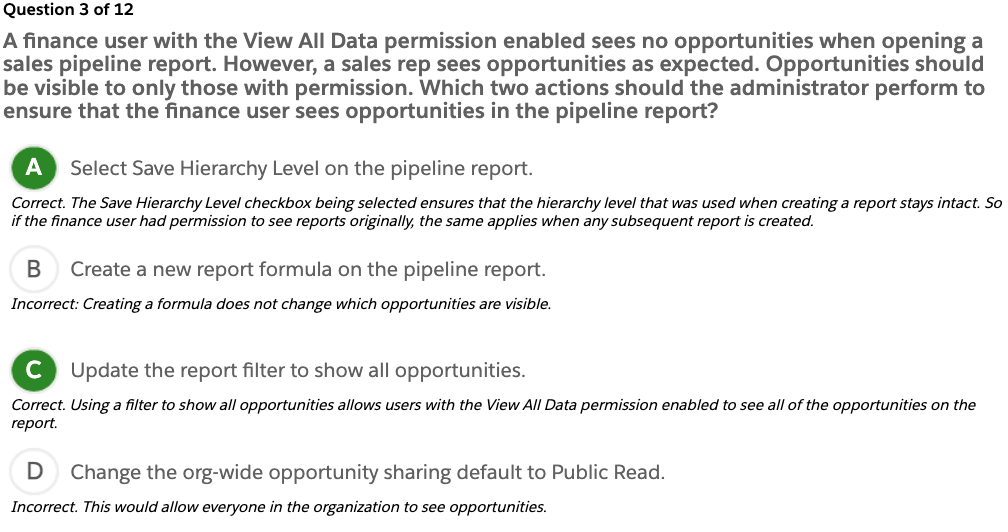
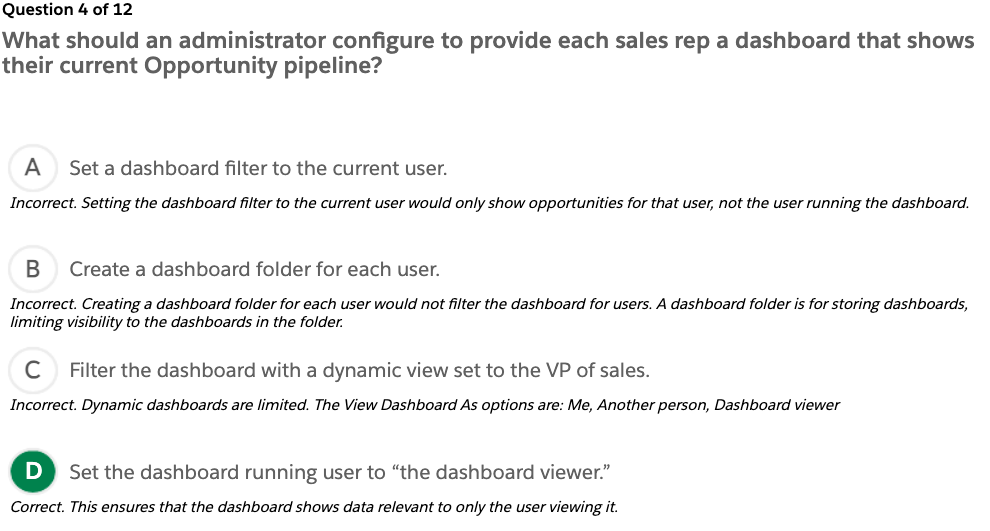
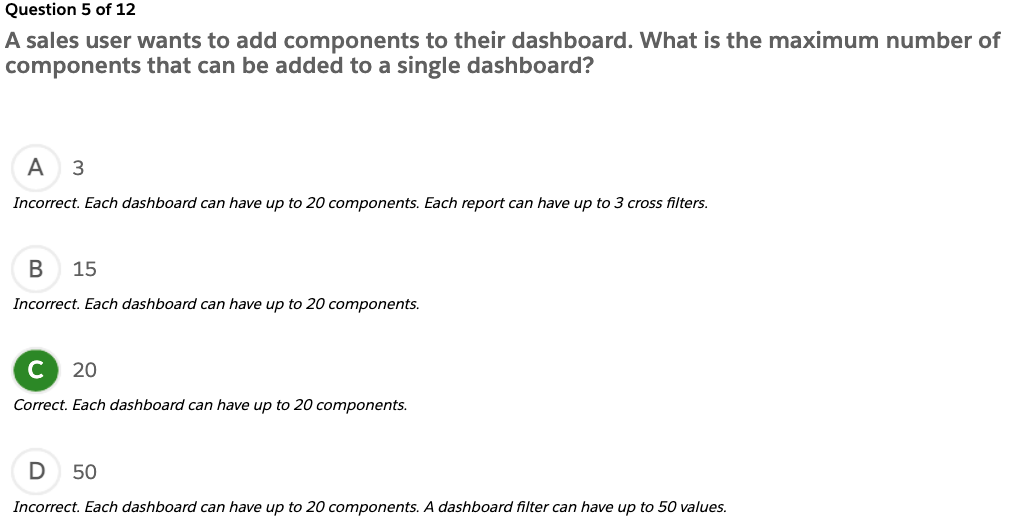
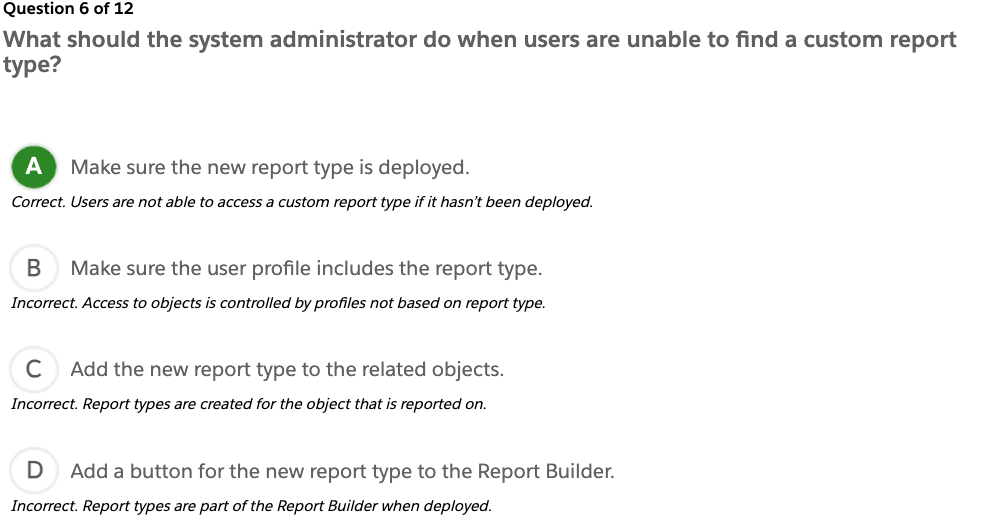
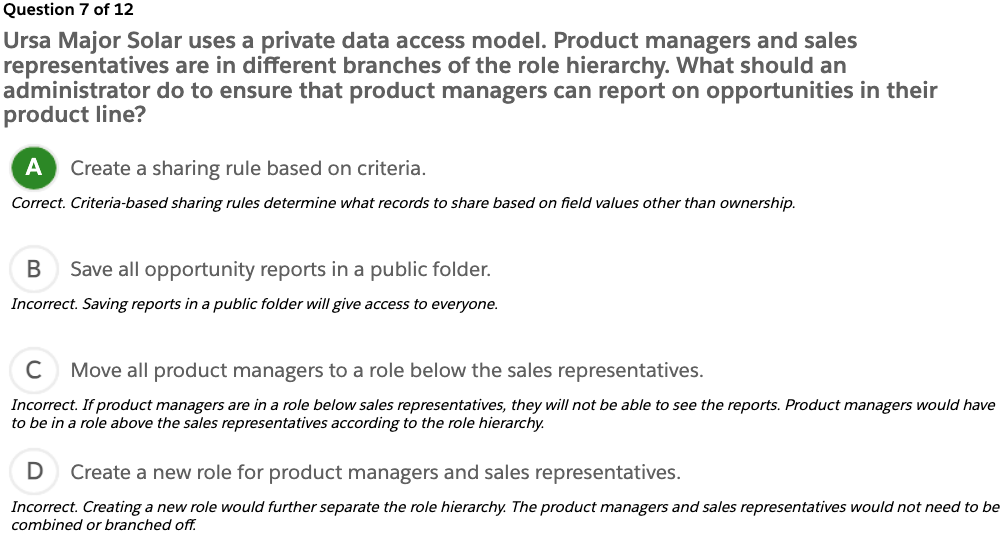
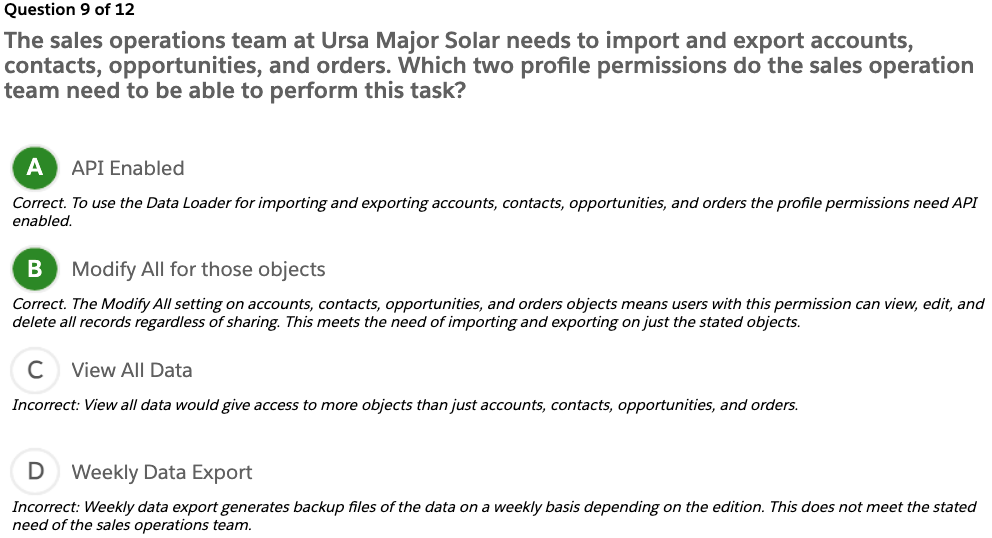
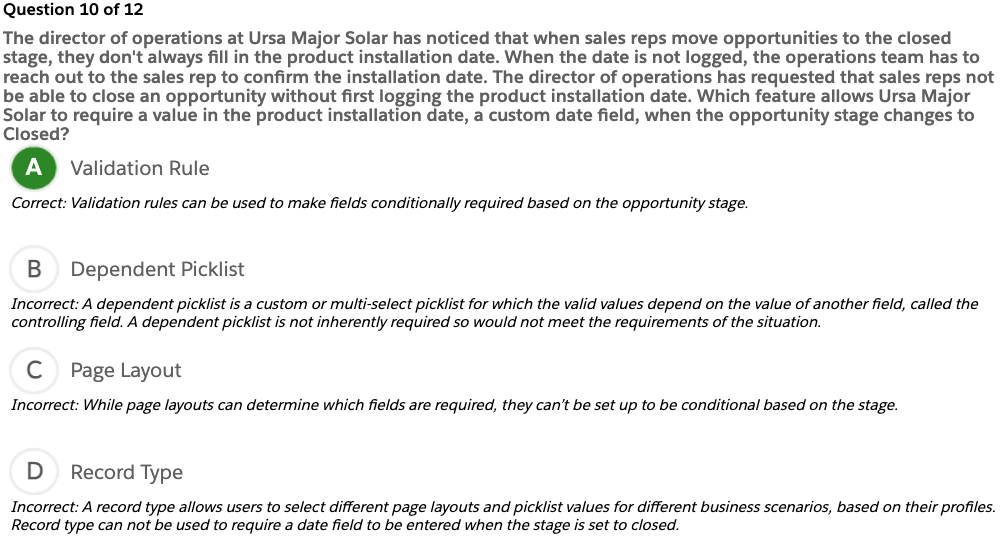
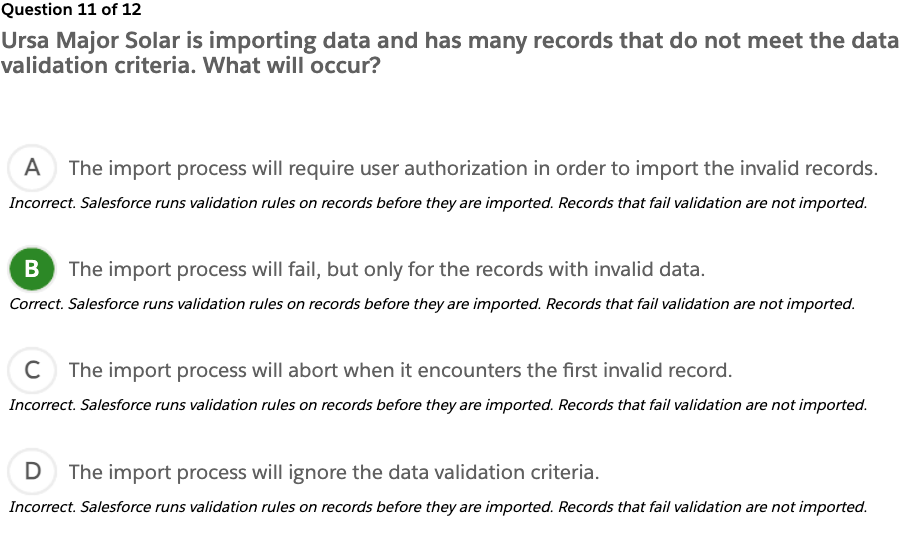
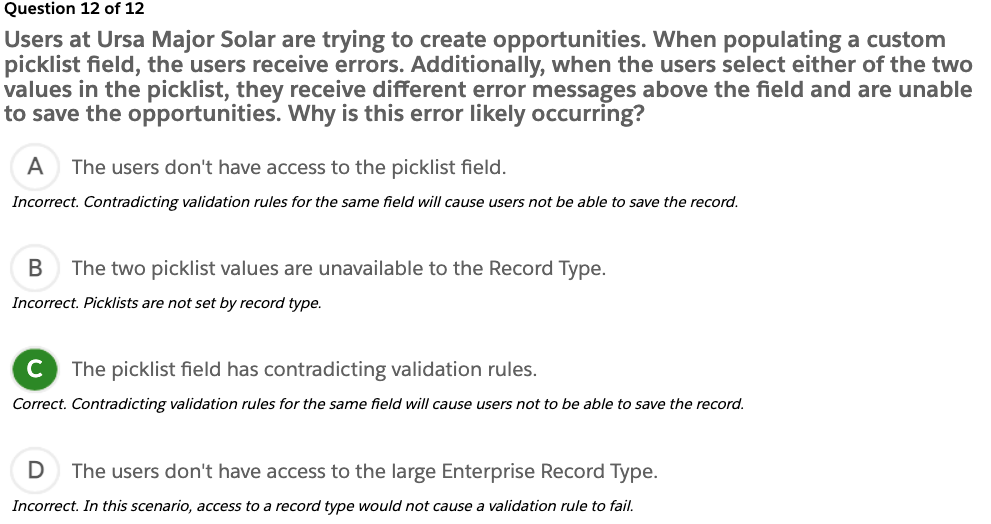
Ready to jump in? The sample tool below is not scored—it’s just an easy way to quiz yourself. To use it, read the scenario, then click the answer you think is correct. Some questions may have more than one correct answer. Click Submit to learn whether the answer you chose is correct or incorrect, and why. If there’s a longer explanation, click  to expand the window, then click anywhere in the window to close it. When you reach the end, you can review the answers or retake the questions.
Exam Topic Flashcards
The following flashcards cover reports, dashboards, and data sharing. Use these interactive flashcards to brush up on some of the key topics you’ll find on this part of the exam.
Read the question or term on each card, then click on the card to reveal the correct answer. Click the right-facing arrow to move to the next card, and the left facing arrow to return to the previous card.
How long is data stored in the Recycle Bin?
Up to 15 days
Ursa Major Solar has inconsistent data in its 20,000 existing accounts and asked the system administrator to convert all of the standard country fields to ISO codes. Which method should the system administrator use?
Mass update addresses
Which set of Salesforce records is exported by choosing the Export All option instead of Export in Data Loader?
Records for a specified object including records in the recycle bin
Export All = Export + Recycle Bin
A system administrator uses the Import Wizard to update existing Account records. Which two values can the Import Wizard use to find matching records?
Account Name
Site fields
Which configuration option shows sales representatives the fields they must fill in prior to saving an opportunity?
Page Layout required fields
Lookup Filter
Administrator settings that restrict the valid values and lookup dialog results for lookup, master-detail, and hierarchical relationship fields (For example, restrict the Account Name field on opportunities to allow only active accounts.)
Data Import Wizard
- A tool to import data for many standard Salesforce objects, including accounts, contacts, leads, solutions, campaign members, and person accounts
- Can also import data for custom objects
- Can import up to 50,000 records at a time
Validation Rules
Verify that the data a user enters into a record meets the standards you specify before the user can save the record
Data Loader vs. Import Wizard
Use Data Loader when:
- You need to load 50,000 to 5,000,000 records. Data Loader is supported for loads of up to 5 million records.
- You want to schedule regular data loads, such as nightly imports.
- You want to export your data for backup purposes.
Use the import wizard when:
- You’re loading less than 50,000 records.
- You want to turn off processes during an import/update/upsert.
CSV File
- Comma Separated Values
- A plain text file that contains a list of data
- An accepted file format for Data Loader and Data Import Wizard
What report should an administrator use to display the number of contacts related to an account?
Summary report with a report formula
What are three reports that can be used to display a list of the top 10 accounts on a dashboard?
- Tabular report with Rows to Display set to 10
- Summary report with a chart
- Summary report without a chart
What should an administrator do to organize the fields available on a report?
Create a custom report type.
Tabular(표) Report
This report is the simplest and fastest way to look at data. Similar to spreadsheets, it consist simply of an ordered set of fields in columns, with each matching record listed in a row. Use this report type for creating lists of records or a list with a single grand total. They can’t be used to create groups of data or charts, and can’t be used in dashboards unless rows are limited. Examples include contact mailing lists and activity reports.
Summary Report
This report is similar to a tabular report, but allow users also to group rows of data, view subtotals, and create charts. It can be used as the source report for dashboard components. Use this type of report to show subtotals based on the value of a particular field, or when you want to create a hierarchical list, such as all opportunities for your team, subtotal by Stage and Owner.
Matrix Report
- Allow you to group and summarize data by both rows and columns
- Can be used as the source report for dashboard components
- Used for comparing related totals, especially if you have large amounts of data to summarize and you need to compare values in several different fields, or you want to look at data by date and by product, person, or geography
- Matrix reports without at least one row and one column grouping show as summary reports on the report run page.
Report Type
Two kinds of report types:
- Standard report
- Custom report
Standard report-gives you access to most Salesforce data. For example, the opportunities report type gives you access to opportunity records and fields in your report.
Custom report-gives you access to custom objects in Salesforce, or custom views of standard objects, which an admin configures.
Filter Logic
Use filter logic to customize how existing filters apply to a report. Each filter is assigned a number. If you’d like your report to return records that meet the criteria of Filter 1 and either Filter 2 or Filter 3, use this filter logic: Filter 1 AND (Filter 2 OR Filter 3). Filter logic requires at least two field filters.
Quiz +100
- The Data Management section makes up what percentage of the Salesforce Platform Administrator Certification exam?
A. 5%
B. 8%
C. 10%
D. 14% - Which key topics are covered in the Data Management section of the Platform Administrator Certification exam?
A. Permissions sets, objects, and CSV files
B. Data loader, Data Import wizard, and external IDs
C. Record IDs, IP restrictions, data quality
D. Network settings, and data export service, field mapping
Vocabulary
contradicting: 모순되는