Admin Intermediate > Build a Space Station App > Create Reports and Dashboards
Create a Report
- Setup > App Launcher > Space Station Construction > Reports > New Report
- 좌측메뉴 맨 끝에 Other Reports 선택
- Report Type: Space Stations with Supplies > Start Report
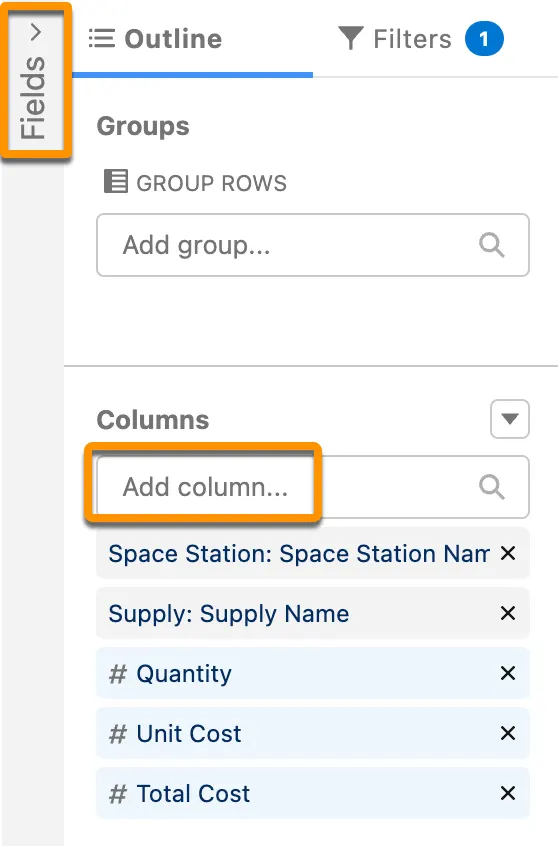
- 좌측 툴바 > Outline > Columns > Add column
- Quantity
- Unit Cost
- Total Cost
- 좌측툴바 > Outline > Groups > Add group
- Space Station > Space Station Name
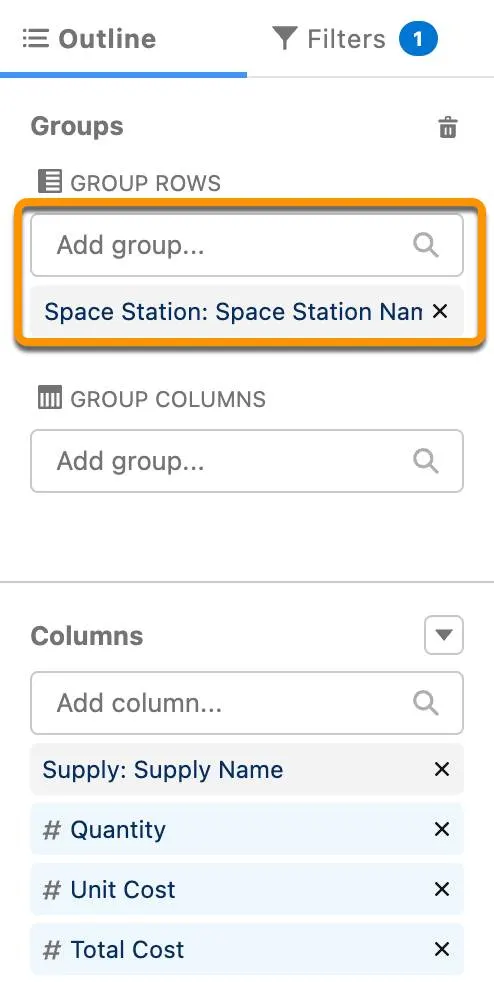
- Space Station > Space Station Name
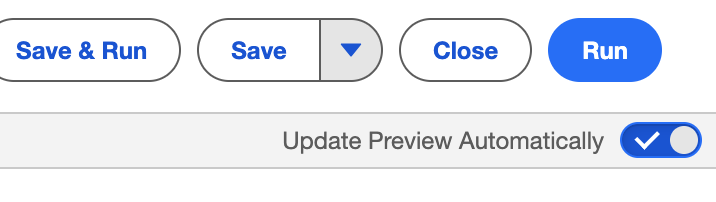
- 우측상단 버틀들 밑에 Update Preview Automatically를 ON하세요
- 왼쪽에 Report가 보이면 테이블 칼럼명, Quantity옆에 드롭박스를 눌러주세요.
- Summarize > Sum 클릭
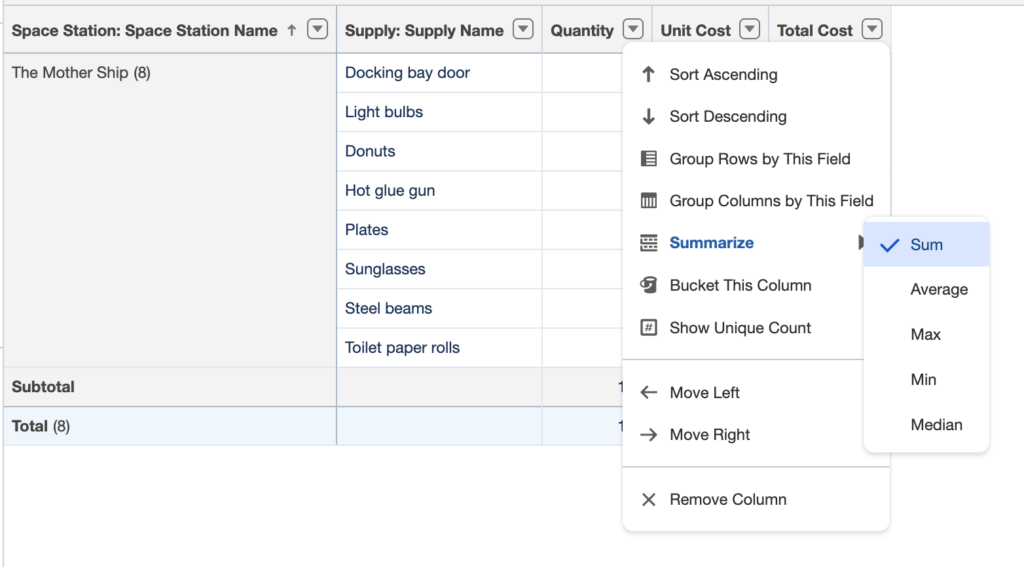
- 이번엔 Unit Cost > Summarize > Sum클릭
- Save & Run
- Report Name: Supplies
- Save
Create a Dashboard
- Setup > App Launcher > Space Station Construction > Dashboards > New Dashboard
- Name: Construction
- +Widget > Chart or Table
- Select Report: Supplies
- Select 버튼 클릭
- Display As: Vertical Bar Chart
- Add 버튼 클릭
- Save
- Done